
Smol
Vibe coded Mac app, 2026
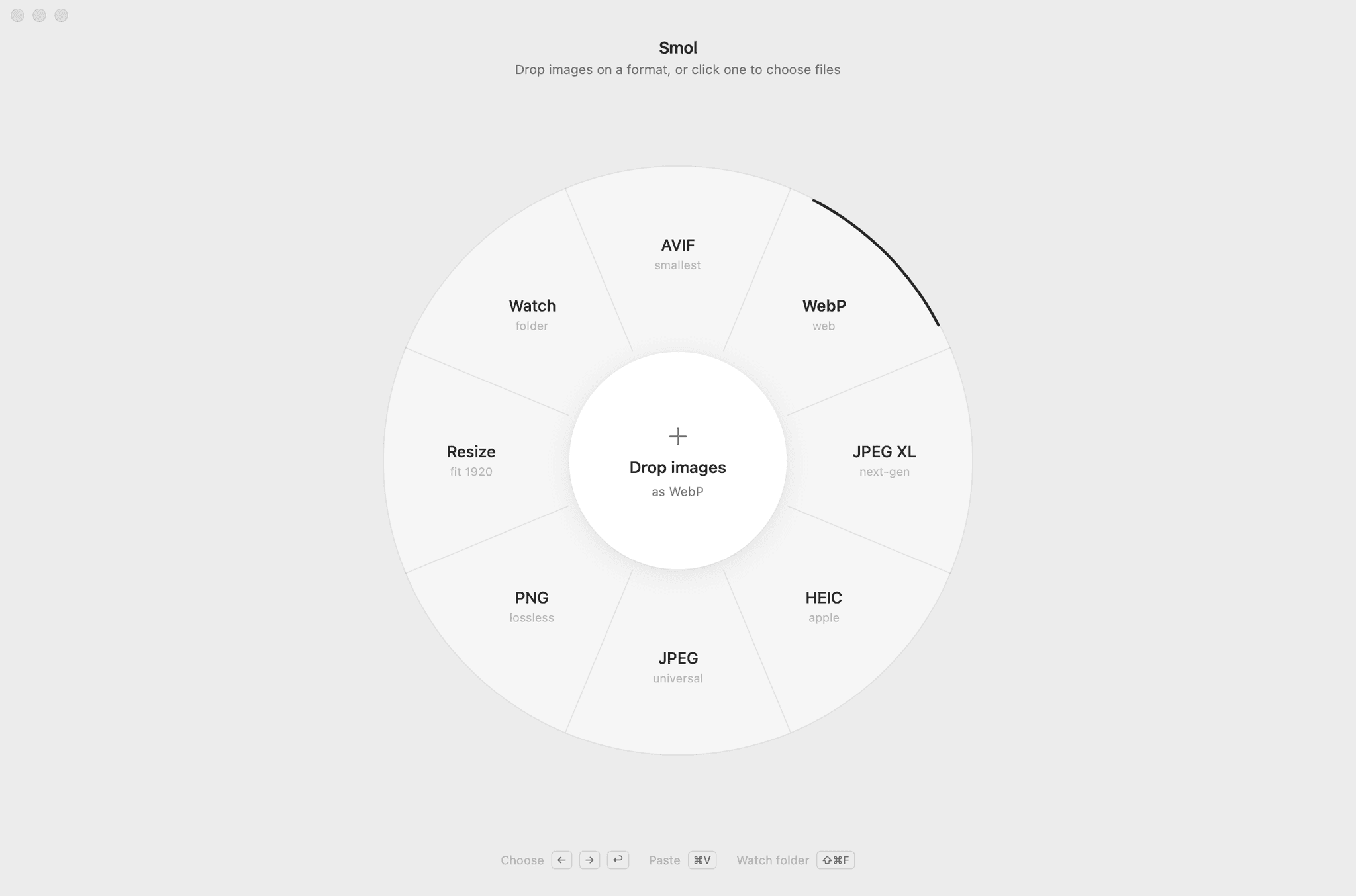
Smol, a native Mac image compressor with a dial for an interface.
Details
- Role
- Design and direction, vibe coded
- Built with
- SwiftUI
- Year
- 2026
- Source
- Open, MIT, v0.2.0
What it does
A tiny, native Mac app that makes images small. Drop images on a format, compare before and after, save.
Nine formats
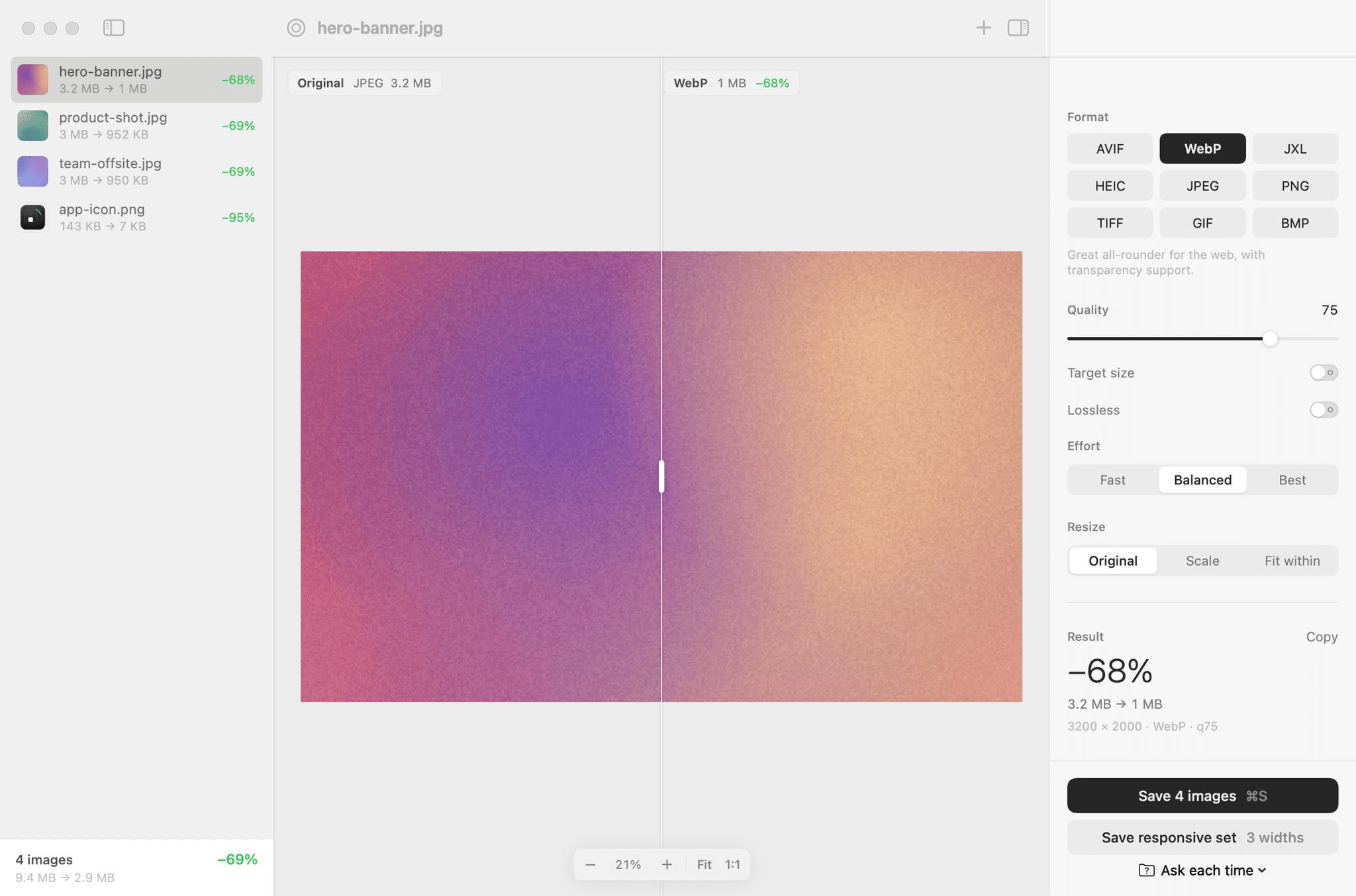
Converts and compresses to AVIF, WebP, JPEG XL, HEIC, JPEG, PNG, TIFF, GIF and BMP.
Side by side
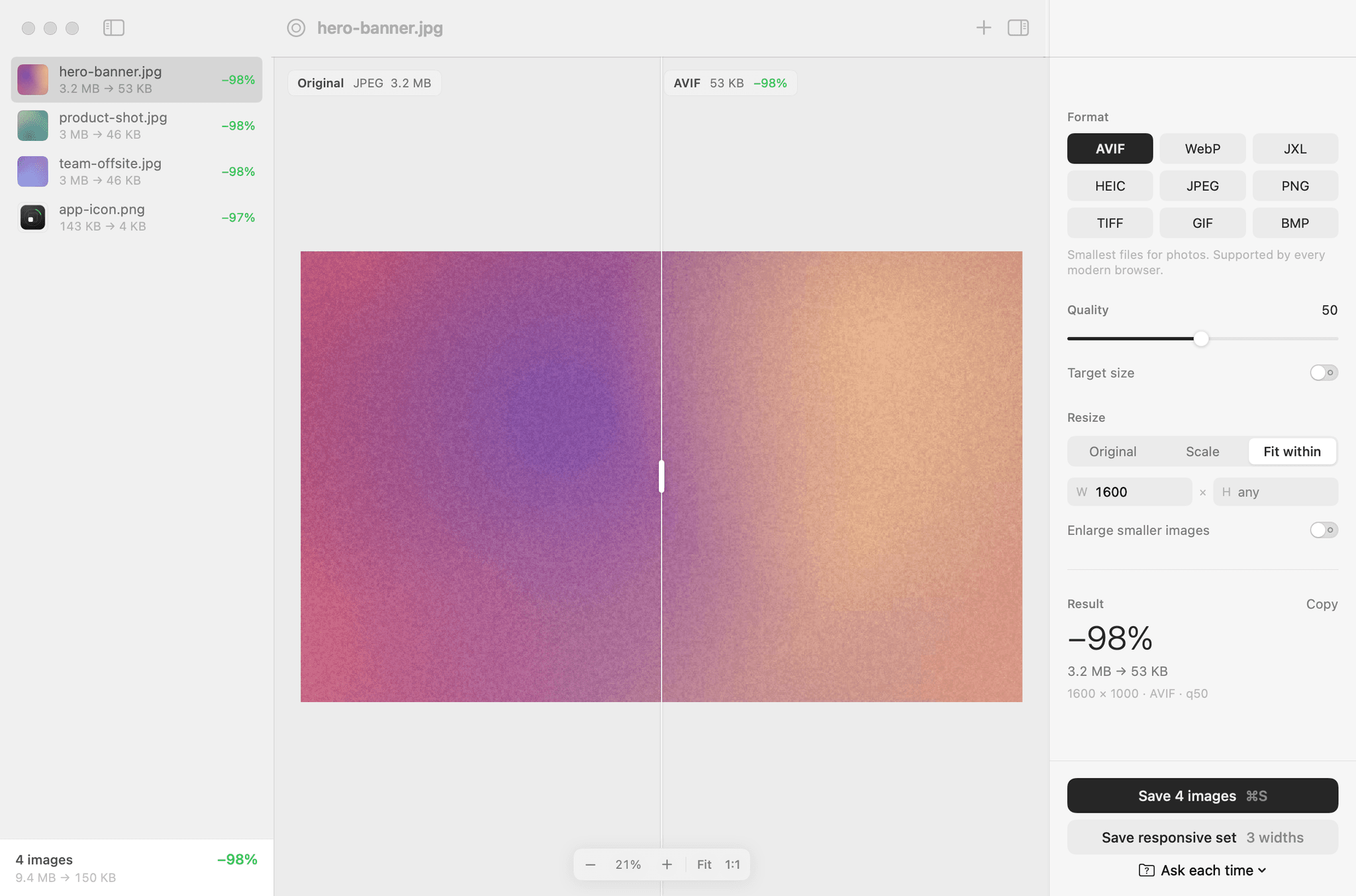
A split view shows the original next to the result, with live file sizes.
Target size
Ask for under 200 KB and it finds the best quality that fits.
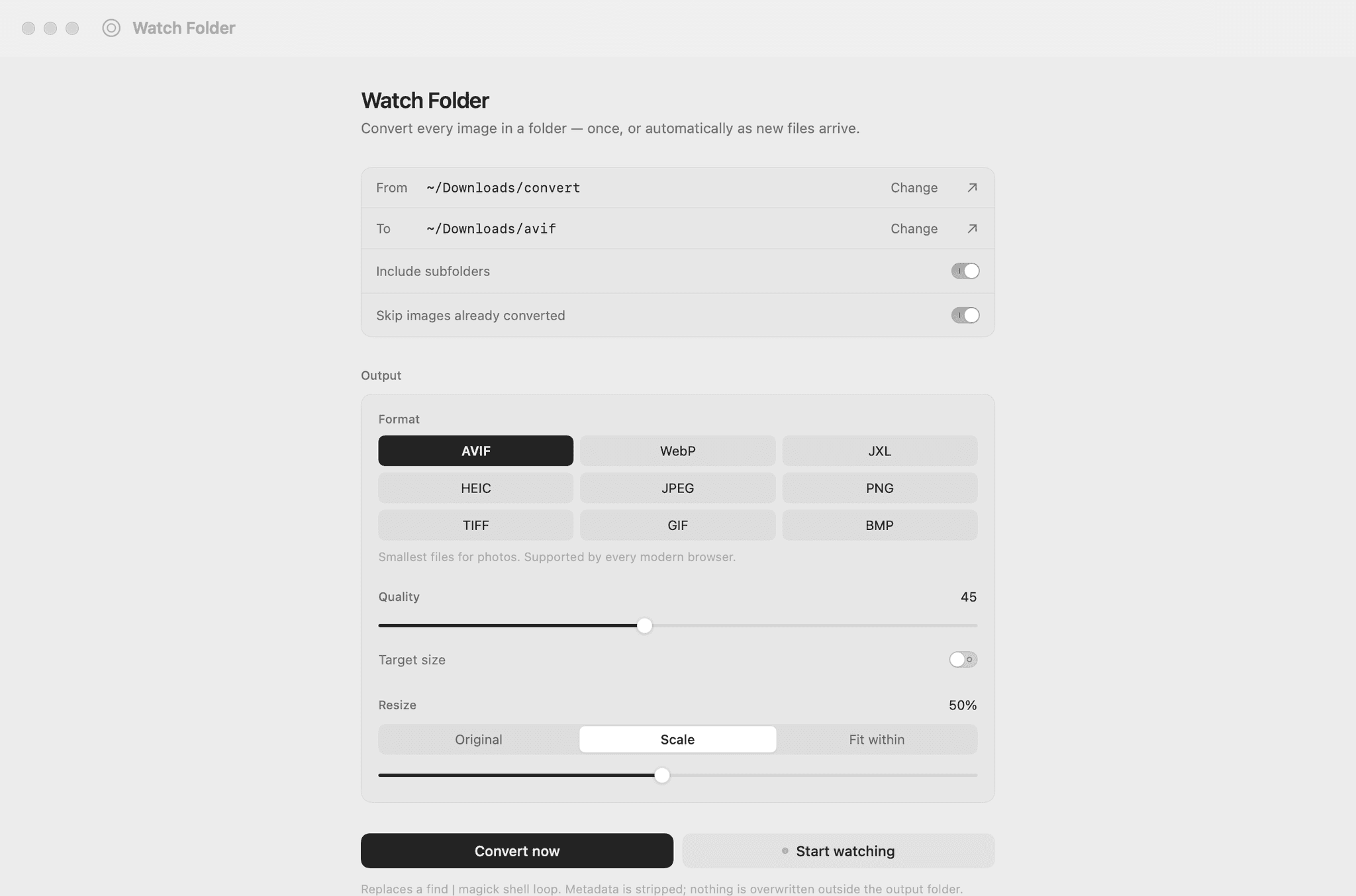
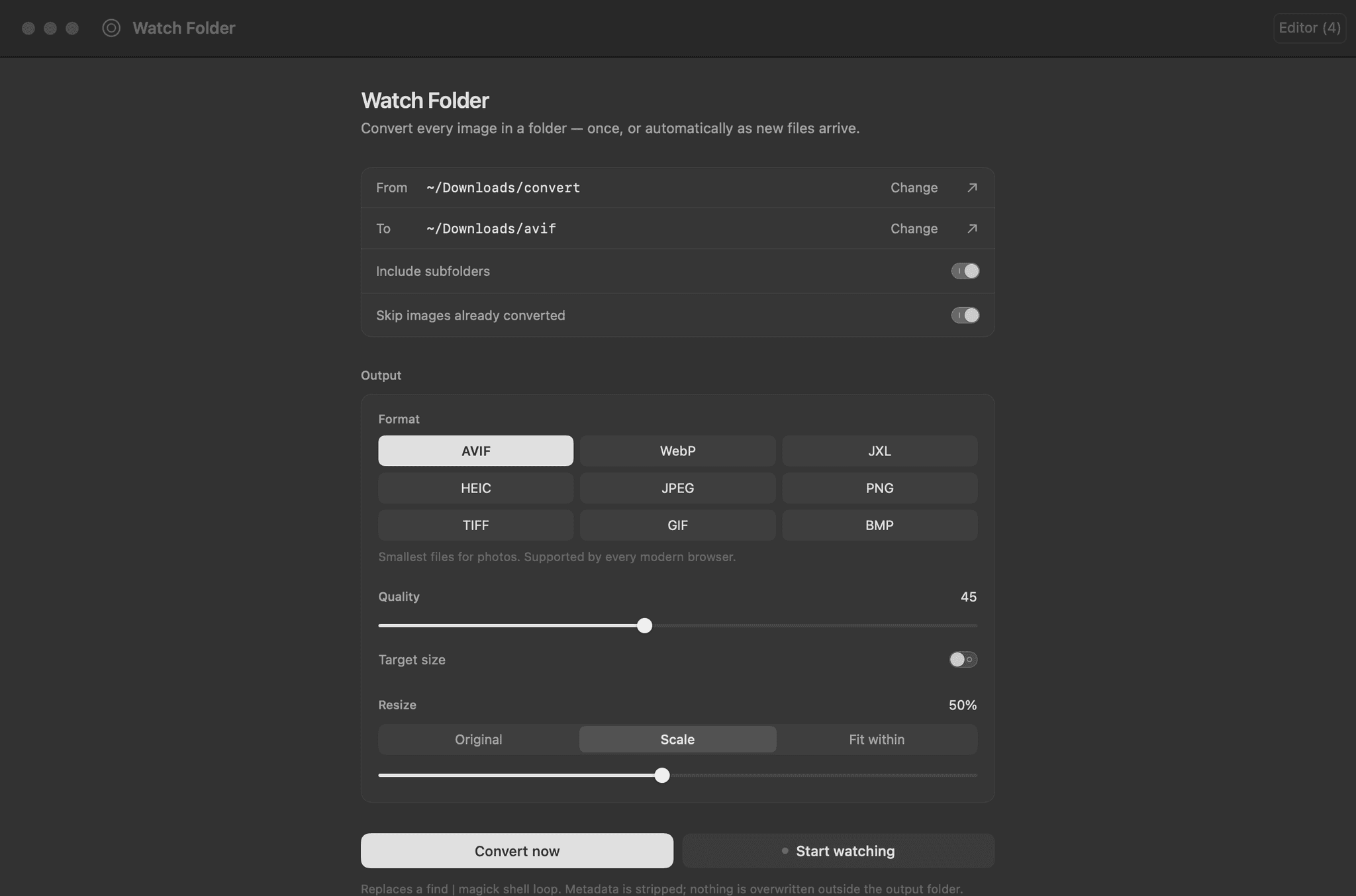
Watch Folder
Converts new images as they arrive.
Responsive set
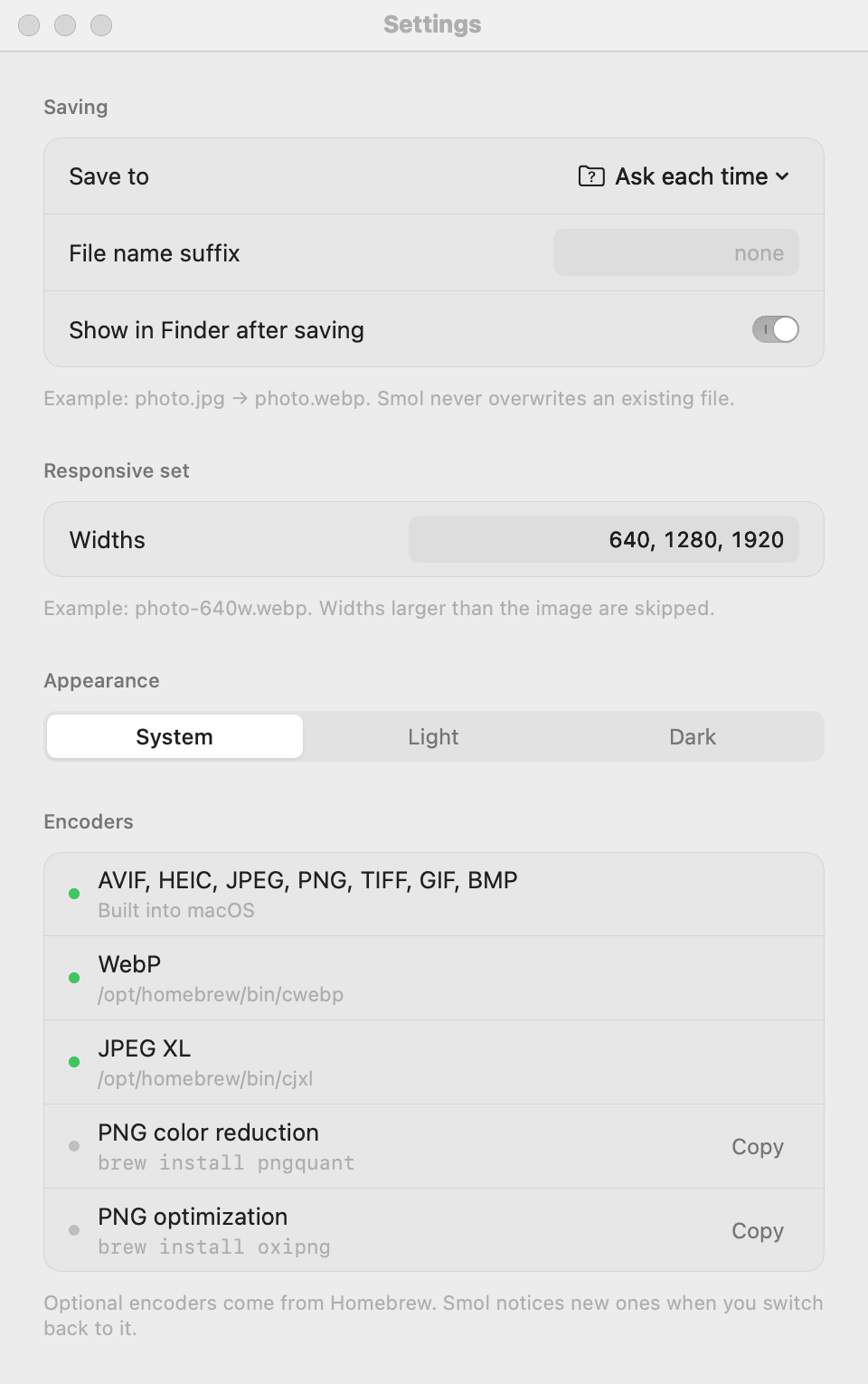
One image saved at 640, 1280 and 1920 wide, with the srcset tag copied and ready to paste.
Stays on the Mac
Under 4 MB, no account, no upload. Everything runs on the Mac.
Command line
Ships with a command-line tool on the same engine.
9.4 MB to 2.9 MB
The sample images in the screenshots, saved as WebP.
Design notes
A dial, not a form
Format is the first decision, so it is the first screen. Eight targets around the drop zone turn "pick a format, then pick files" into one drag.
One indicator that travels
A single arc on the dial's edge glides to whatever you point at and rests on the current format. It always takes the short way round.
Color means something
The interface is monochrome. Green only means saved or running. Red only means failed.
Numbers that hold still
Sizes and percentages are set in tabular figures, so they do not jitter as they change.
Feedback you can feel
Dragging a file across the dial gives a soft trackpad tick at every segment.
Plain words on hover
The line under the title explains whatever you point at.
Keyboard first
Every action has a shortcut, and the dial works without a pointer.
Respectful motion
Animations are short and switch off with Reduce Motion. Everything carries a VoiceOver label.
A small system
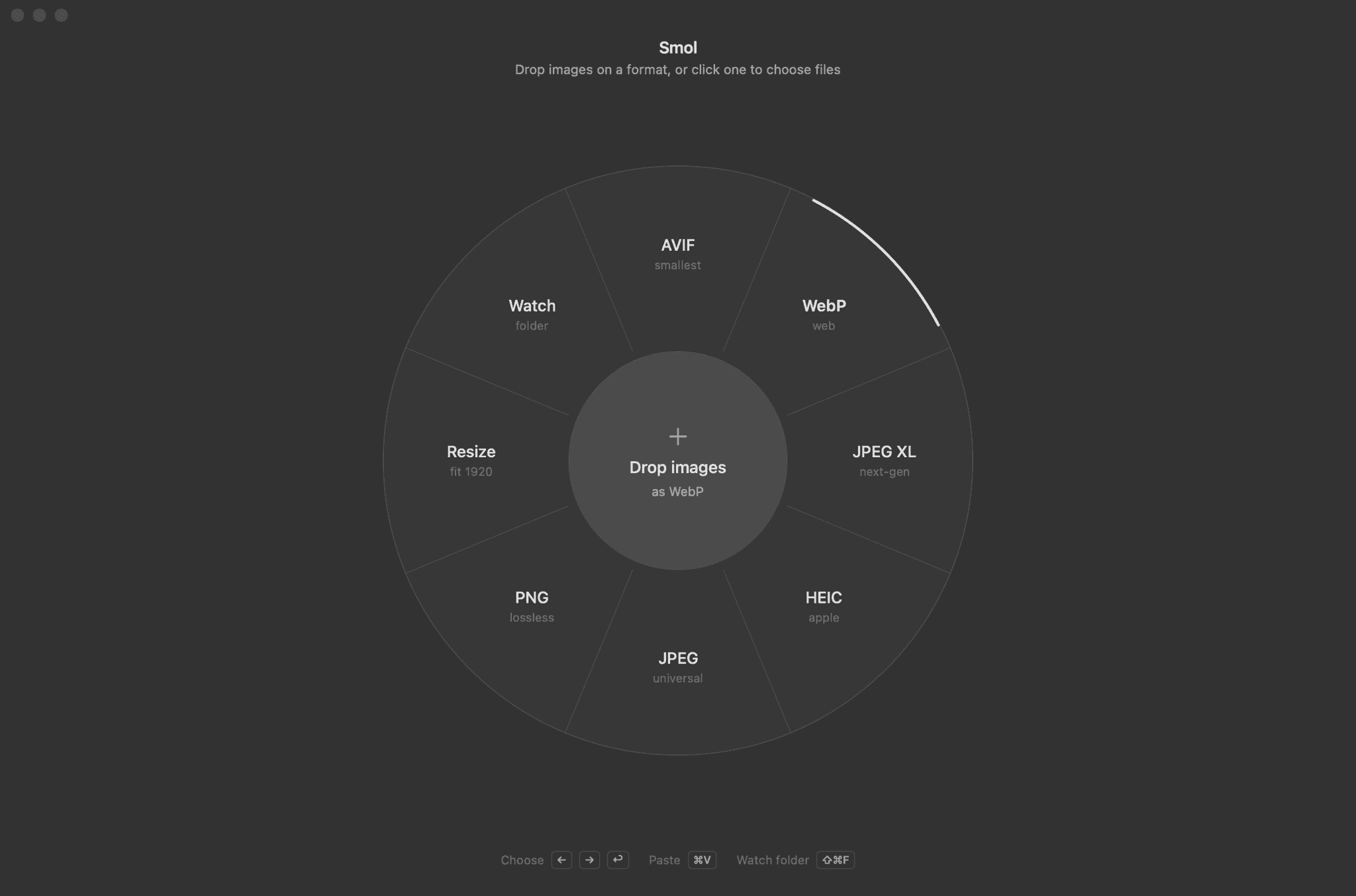
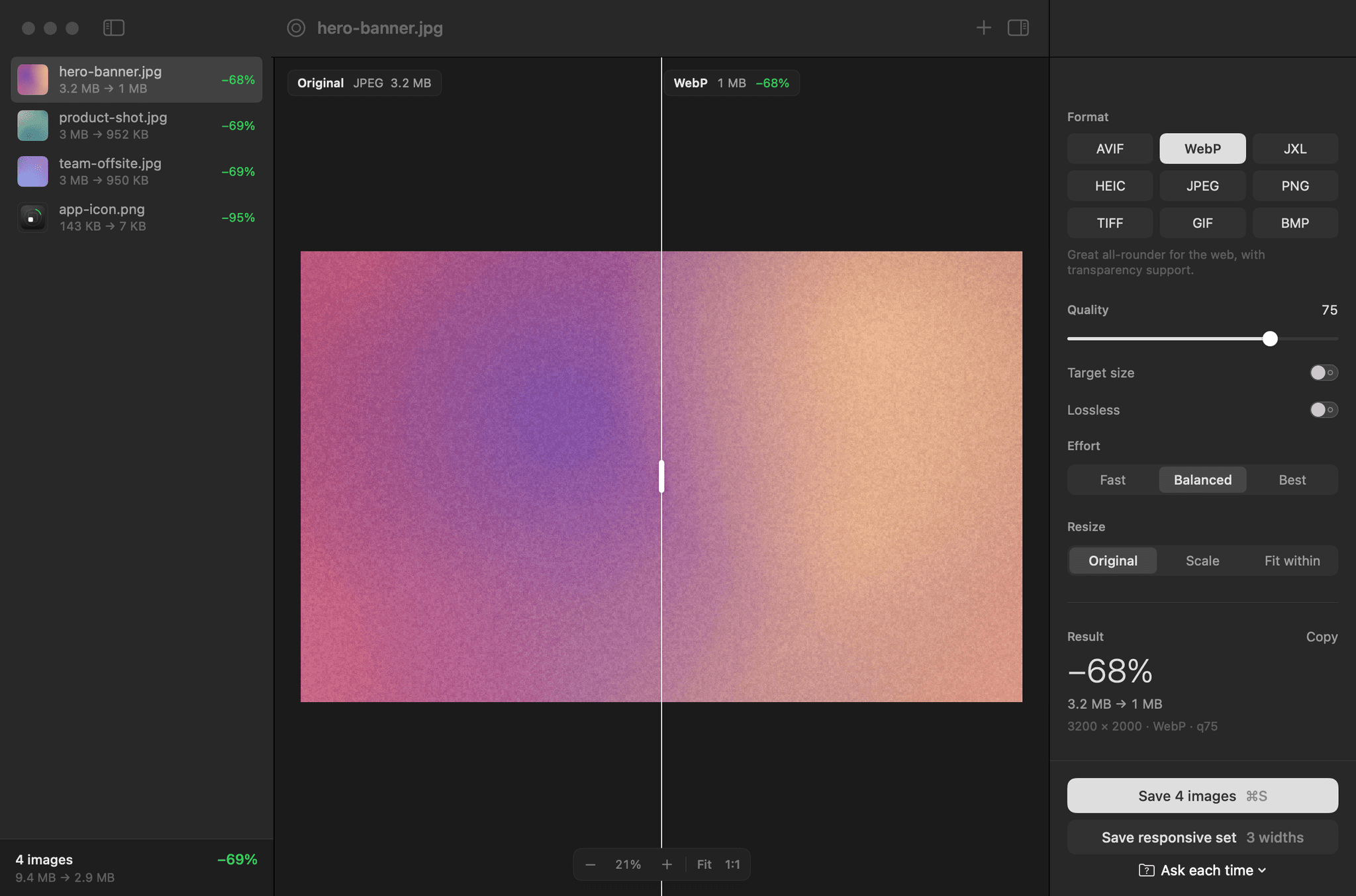
Tokens and about ten components, shared by light and dark mode.
More screens
Source
Smol is open source under the MIT licence. The code is on GitHub.