Notchshelf
Vibe coded Mac app, 2026
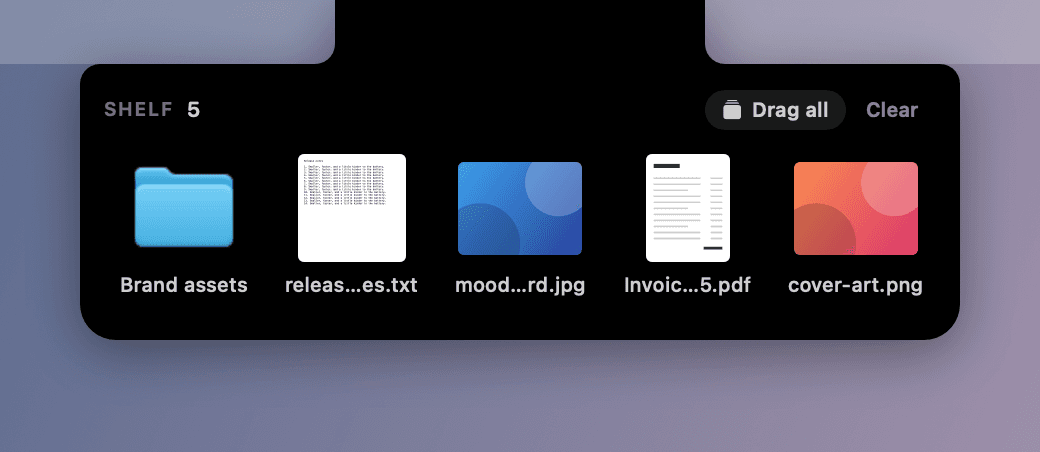
A shelf for files that lives in the MacBook notch.
Details
- Role
- Design and direction, vibe coded
- Built with
- Swift, SwiftUI, AppKit
- Platform
- macOS 14+, Apple Silicon and Intel
- Year
- 2026
- Source
- Open, MIT, v0.3.0
What it does
Moving a file between two apps usually means lining up two windows first. Notchshelf gives the file somewhere to wait in between: drag it up to the notch to park it, then drag it back out wherever it is needed.
Design notes
Hands stay on the keyboard
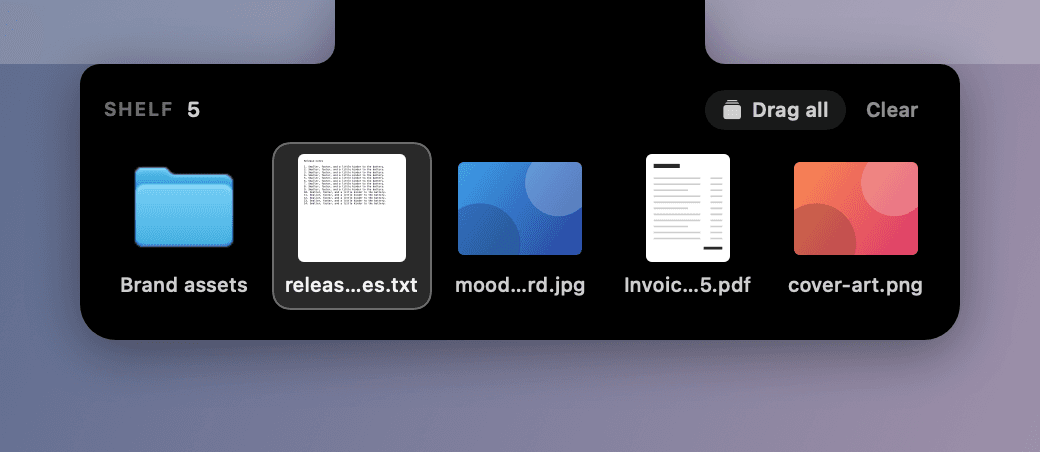
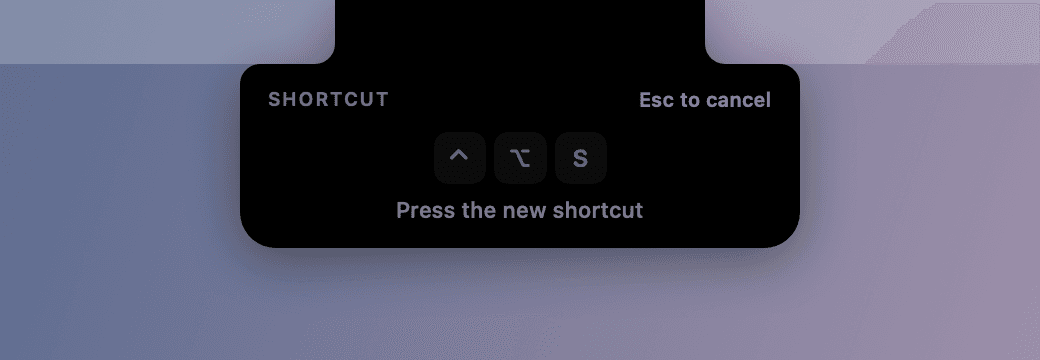
One shortcut opens the shelf from anywhere. Arrows move, Space previews with Quick Look, Return opens, Esc closes.
The notch is the anchor
Everything is one black path that grows out of the hardware: an ear for the count, a lip for the drop target, a body for the shelf.
Nothing until there is something
An empty shelf draws nothing at all. It only appears when it holds files or when a file is in the air.
A target you can see
The lip drops out as soon as a drag starts anywhere on screen, so there is no guessing where to aim.
Patient with the pointer, not with a drag
Hover waits a beat before opening. A file being carried opens the shelf at once.
References, not copies
Parked files stay where they are on disk. Rename or move one and the shelf follows it. The shelf never deletes a file you parked.
Not only files
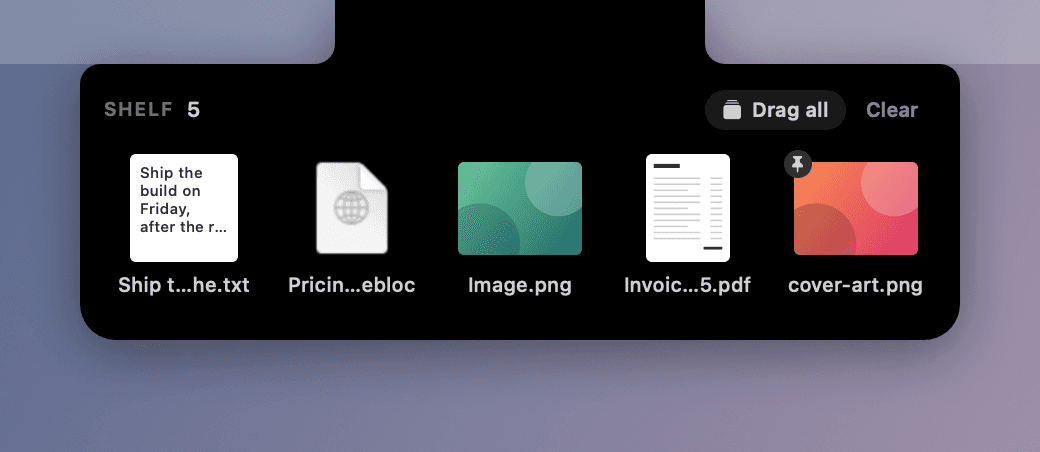
A line of text, a link or an image dragged out of a page becomes a file the shelf keeps, named from what it says. Command-V shelves the clipboard.
Keep a copy
Hold Option while dragging out, or pin an item, and it stays for the next place it is needed.
Good neighbours
It shares the notch with Notchload, and tells it to stay closed while the shelf is open.
More screens


Source
Notchshelf is open source under the MIT licence. The code is on GitHub.